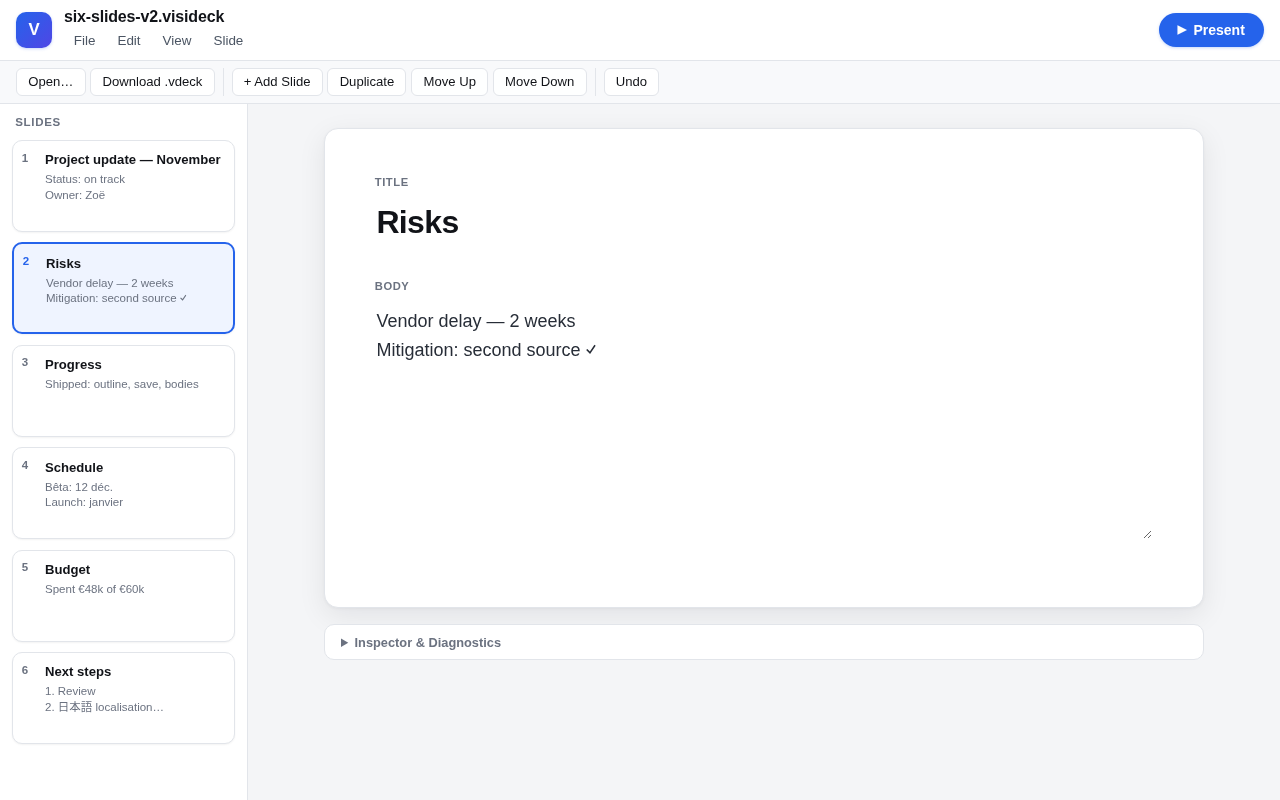
Work on local files with no account
Open any local .vdeck or .visideck file straight from disk.
Edit slide titles and multiline bodies directly on the canvas, commit or discard drafts
explicitly, and download an independent .vdeck copy whenever you are ready.
Read “Make your first deck” →
Organize slides and present cleanly
Add, duplicate, and reorder slides from the toolbar, Slide menu, or slide context menu,
and step back with Undo. Present mode displays committed slide text full-screen so
unfinished drafts never interrupt an audience.
Try it in the editor →
Open shared deck rooms by invitation
When someone sends you a room invitation, sign in with Visi Office through Grid, return
to the invitation page, and click Join to open the room. Room links require access, and
committed changes sync live to other authorized browsers.
Read “Open a shared deck” →